Solasta: Crown of the Magister Custom Portraits
Last reviewed: 2026-06-17
Portrait specifications
| Size | Dimensions | File name | Format |
|---|---|---|---|
| Portrait | 256×384 px | NAME.png | PNG |
- Example:
hero.png (nombre libre)
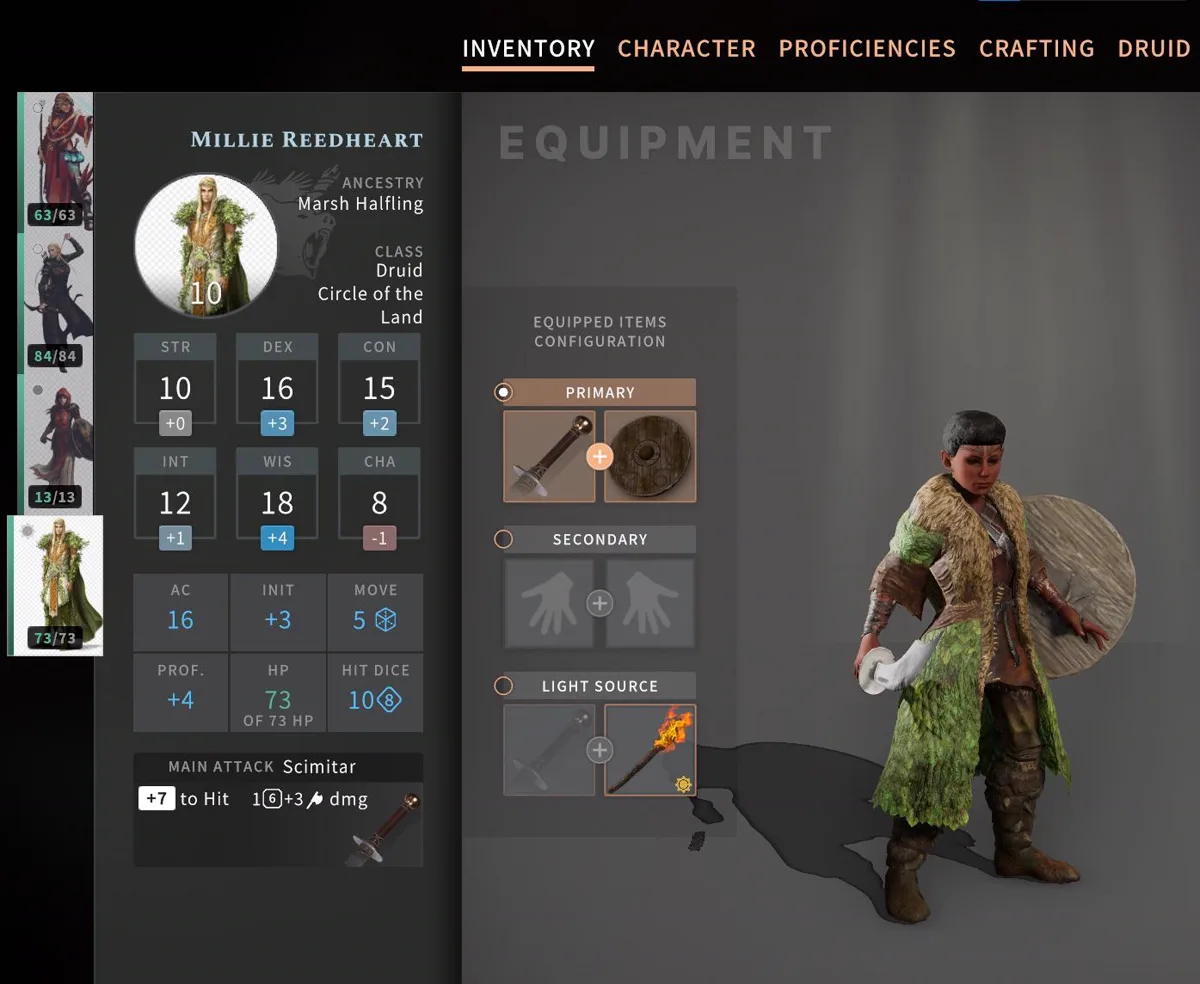
Before you start
Solasta: Crown of the Magister does not support custom portraits in the vanilla game. You must:
- Install the Unfinished Business mod (available on Nexus Mods and GitHub).
- Enable Custom Portraits in the game's Interface > Game UI settings.
- Place PNG files in the mod's Portraits folder.
The Portraits folder is created by the mod the first time you run Solasta with Unfinished Business installed.
Step-by-step installation
- Install Unfinished Business from Nexus Mods or GitHub (follow the mod's own installation instructions).
- Launch Solasta and go to Interface > Game UI. Enable Custom Portraits.
- Restart the game.
- Open PortraitCrafter and select Solasta: Crown of the Magister from the catalog.
- Upload your image. The editor crops to 256×384.
- Enter a file name (for example
paladin). - Export the file. You get
paladin.png(256×384). - Navigate to
<Solasta install>\Mods\SolastaUnfinishedBusiness\Portraits\. - Copy
paladin.pnginto the Portraits folder. - Launch (or restart) the game. The portrait appears in character creation.
Troubleshooting
Portrait does not appear even after placing the file
First verify that Custom Portraits is enabled in Interface > Game UI. If it is enabled, check that the Portraits folder path matches the one used by your installed version of Unfinished Business — it may have changed in a recent update.
The Portraits folder does not exist
The folder is created by Unfinished Business on first run. Launch Solasta at least once with the mod installed, then check if the folder was created.
Portraits worked before an UB update but stopped
Unfinished Business updates can change where the mod looks for portrait files. Check the release notes of the version you installed for any folder path changes.
What we could not confirm
- The Portraits folder path may change between versions of Unfinished Business. This guide reflects the path as of 2026-06-17; check the mod's current release notes if portraits are not found.
- Some UB versions expose a Personal\ subfolder with different behavior; consult current UB documentation.