Arcanum Custom Portraits
Last reviewed: 2026-06-17
Portrait specifications
| Size | Dimensions | File name | Format |
|---|---|---|---|
| Large | 128×128 px | NAME_b.bmp | BMP (8-bit) |
| Small | 64×64 px | NAME.bmp | BMP (8-bit) |
- File names must be UPPERCASE.
- Example:
HUM5.bmp, HUM5_b.bmp
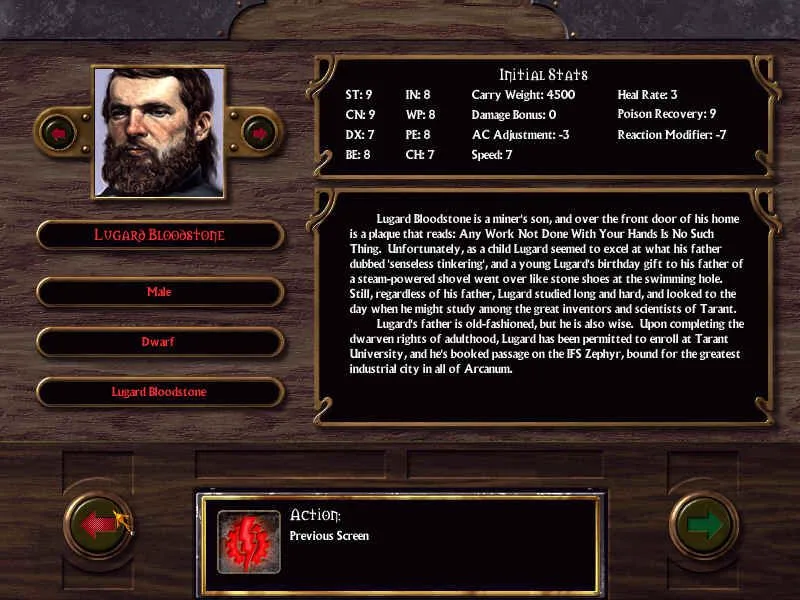
Before you start
Arcanum is one of the more technical engines. Two things matter most:
- Color depth: both BMP files must be 8-bit indexed (256-color palette). A 24-bit BMP is rejected silently and shows up as missing.
- Registration: each portrait is listed in
portraits.mes(or auserport.mesoverride) that maps an ID to a file base name.
PortraitCrafter exports both the big and small BMP as 8-bit indexed for you, so the format is handled. You still register the entry in the .mes index yourself.
Step-by-step installation
- Open PortraitCrafter and select Arcanum from the catalog.
- Upload your image and crop or fit it. The editor produces the big and small 8-bit BMP files.
- Enter a base name (for example
HUM5). The export adds the_bsuffix to the big file. - Download the BMP files and copy them into the game's portrait folder.
- Open
portraits.mes(or create auserport.mesoverride) and add an entry mapping a free ID to your base name. - Launch the game; the new portrait appears in the selection list for the matching race and gender.
Troubleshooting
The portrait is black or does not load
The BMP is almost certainly 24-bit. Re-export from PortraitCrafter, which writes 8-bit indexed BMP files that the engine accepts.
The portrait never shows in the list
It is not registered. Confirm you added the entry to portraits.mes/userport.mes and that the file base name matches exactly.
The big and small images are swapped
The big image uses the _b suffix; the small image uses the plain base name. Double-check the file names against your .mes entry.
What we could not confirm
- Exact .mes ID ranges that are safe to use vary by version and mod; check your portraits.mes before assigning new IDs.