Neverwinter Nights Custom Portraits
Last reviewed: 2026-06-17
Portrait specifications
| Size | Dimensions | File name | Format |
|---|---|---|---|
| Huge | 256×512 px | NAME_h.tga | TGA |
| Large | 128×256 px | NAME_l.tga | TGA |
| Medium | 64×128 px | NAME_m.tga | TGA |
| Small | 32×64 px | NAME_s.tga | TGA |
| Tiny | 16×32 px | NAME_t.tga | TGA |
- Base name limited to 14 characters.
- File names must be lowercase.
- Example:
myportrait_h.tga, myportrait_l.tga, etc.
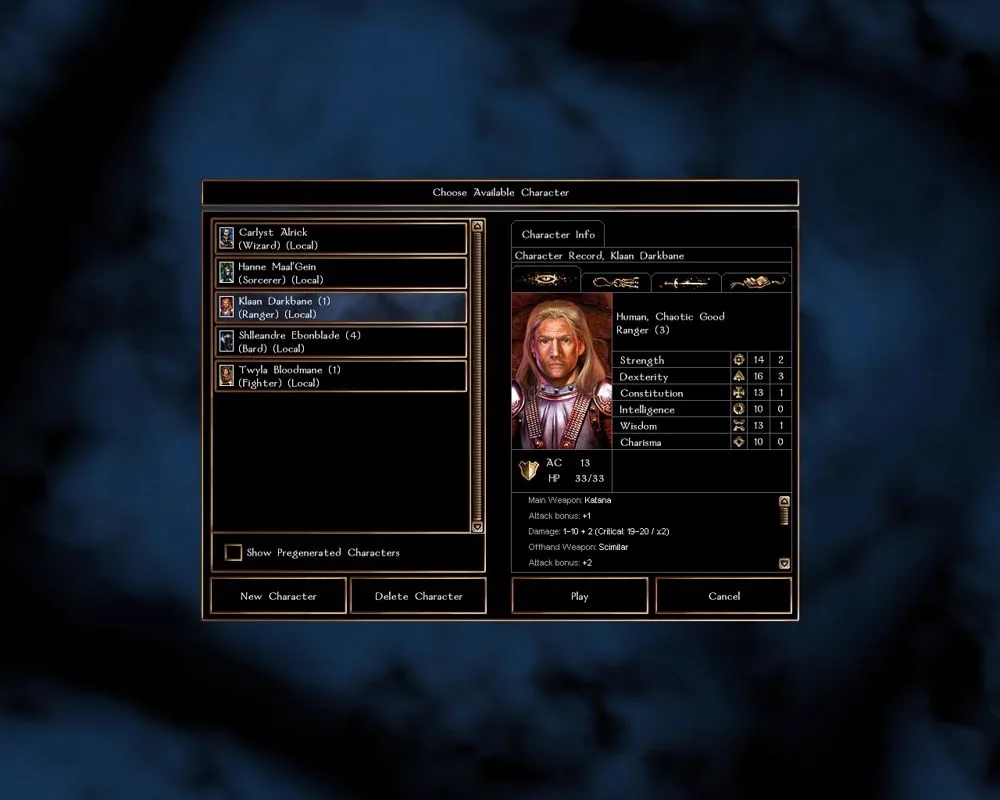
Before you start
Neverwinter Nights uses a five-size system. A single portrait is five TGA files that share a base name, each with a size suffix. The two rules that trip people up:
- Name length: the full file name is capped at 16 characters. With the suffix, that leaves a base of at most 14 characters, in lowercase.
- Format: uncompressed TGA. PortraitCrafter writes the right format and all five sizes for you.
Step-by-step installation
- Open PortraitCrafter and select Neverwinter Nights from the catalog.
- Upload your image and crop or fit it. The editor produces all five TGA sizes.
- Enter a base name of up to 14 lowercase characters (for example
myportrait). - Download the TGA files.
- Copy all five files into the
portraitsfolder (loose files) — notoverride, which is for.hakpacks. - Launch the game; the portrait appears in the selection list during character creation.
Troubleshooting
The portrait does not appear
Confirm all five sizes are present and share the same base name. A missing size or a name longer than the limit prevents the portrait from loading.
The name is rejected as too long
Shorten the base name. The full file name including the suffix must stay within 16 characters, so keep the base at 14 or fewer.
My portrait pack does not load
Packs distributed as .hak go in the override folder, not portraits. Loose TGA files go in portraits.
What we could not confirm
- Tchos' HD UI and other UI mods can change the expected sizes; this guide covers the vanilla five-file system.