Baldur's Gate (Classic) Custom Portraits
Last reviewed: 2026-06-17
Portrait specifications
| Size | Dimensions | File name | Format |
|---|---|---|---|
| Large | 110×170 px | NAMEL.bmp | BMP |
| Small | 38×60 px | NAMES.bmp | BMP (8-bit) |
- Base name limited to 8 characters.
- File names must be UPPERCASE.
- Example:
KHALIDL.bmp, KHALIDS.bmp
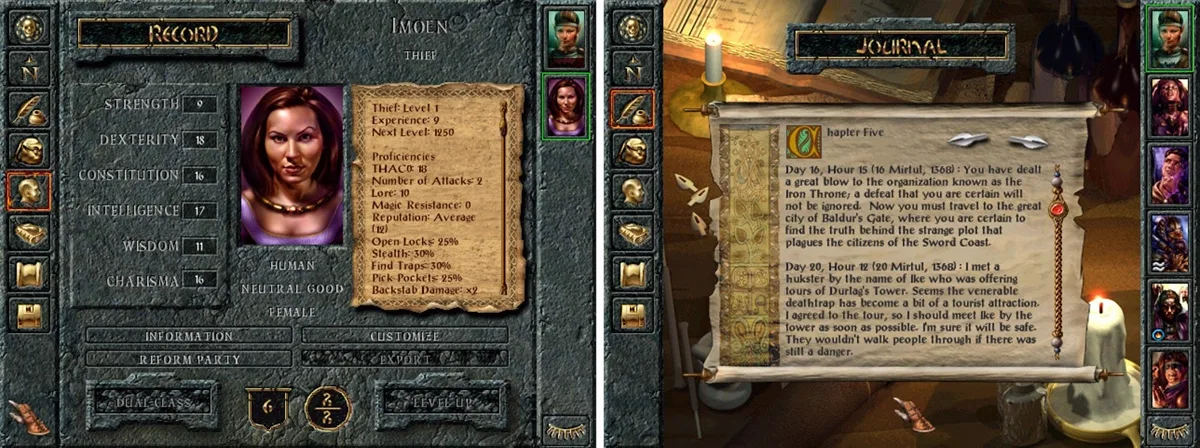
Before you start
Baldur's Gate Classic (the original non-Enhanced version available on GOG) uses a simpler but stricter portrait system than the Enhanced Editions:
- Large file (L): 110×170, 24-bit BMP.
- Small file (S): 38×60, 8-bit indexed BMP (recommended). Some engine versions reject 24-bit Small files.
PortraitCrafter exports both files in the correct formats and appends L and S suffixes.
Step-by-step installation
- Open PortraitCrafter and select Baldur's Gate (Classic) from the catalog.
- Upload your image. Crop or fit it to the portrait frame.
- Enter a base name of at most 7 uppercase characters (for example
KHALID). - Export the ZIP. It contains
<NAME>L.bmp(110×170, 24-bit) and<NAME>S.bmp(38×60, 8-bit indexed). - Navigate to the portraits folder inside your BG Classic installation directory.
- Copy both BMP files into the portraits folder.
- Launch the game. Your portrait appears in the character creation screen.
Troubleshooting
Portrait does not appear in the list
Check that the base name is 7 characters or fewer (8 total including the suffix). Also confirm the files are in the portraits\ subfolder of the game installation, not in Documents.
Small portrait shows wrong colors
The Small file must be 8-bit indexed BMP. If you exported it as 24-bit from another tool, re-export from PortraitCrafter, which writes the correct 8-bit indexed format.
Portrait looks fine in the list but breaks after selection
This can happen if the file names have lowercase letters. BG Classic expects uppercase names. PortraitCrafter exports in uppercase by default for this game.
What we could not confirm
- The 8-bit requirement for the Small file has not been validated in-game in this research cycle; it is the documented recommendation from community sources. Some versions may accept 24-bit Small files.