Planescape: Torment Enhanced Edition Custom Portraits
Last reviewed: 2026-06-17
Portrait specifications
| Size | Dimensions | File name | Format |
|---|---|---|---|
| Large | 210×330 px | NAMEL.bmp | BMP |
| Medium | 169×266 px | NAMEM.bmp | BMP |
- Base name limited to 7 characters.
- File names must be UPPERCASE.
- Example:
MORTOL.bmp, MORTOM.bmp
Before you start
Planescape: Torment Enhanced Edition works differently from BG:EE and IWD:EE. There is no Custom portrait button during character creation. Instead, you place BMP files in the override folder and use EEKeeper (a free save-game editor) to assign the portrait to your character.
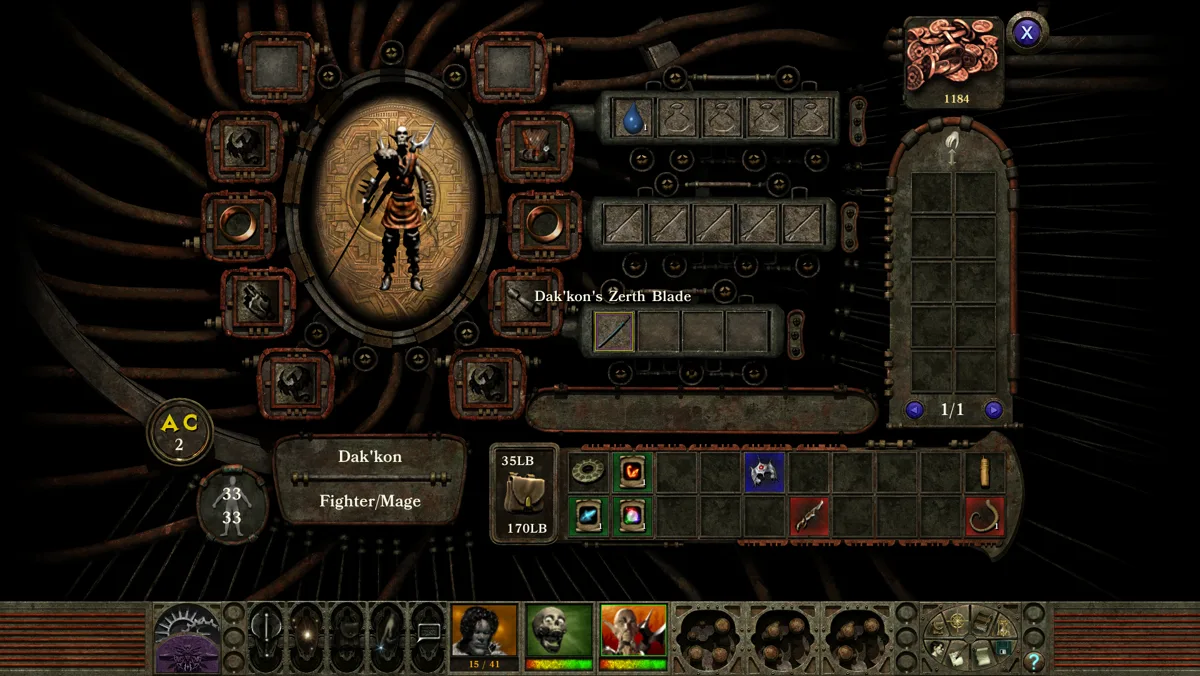
The key distinction: the Medium file (M) is the portrait you see in the sidebar during play. Make sure it looks good at 169×266.
Step-by-step installation
- Open PortraitCrafter and select Planescape: Torment: Enhanced Edition from the catalog.
- Upload your image. The editor crops to 210×330 for Large and 169×266 for Medium.
- Enter a base name of at most 7 uppercase characters (for example
MORTE). - Export the ZIP. It contains
<NAME>L.bmp(Large, 210×330) and<NAME>M.bmp(Medium, 169×266). - Navigate to the
overridefolder inside your PST:EE Documents folder (see install paths). Create it if it does not exist. - Copy both BMP files into the
overridefolder. - Download and install EEKeeper. Open your save game, select your character, and set the portrait reference to your base name (e.g.
MORTE). - Save with EEKeeper and launch PST:EE. The custom portrait will appear.
Troubleshooting
EEKeeper does not list my portrait
Confirm both the L and M files are in the override folder and that the names are uppercase. EEKeeper reads the override folder when assigning portraits.
The sidebar shows the wrong or missing portrait
The sidebar uses the M file. If only the L file is present or the M file is a different name, the sidebar will be empty. Make sure the M file base name matches exactly what you set in EEKeeper.
The override folder does not exist
Create it manually. The path is inside your Documents folder under Planescape Torment - Enhanced Edition\override\. The game will read files from this folder at startup.
What we could not confirm
- The override/EEKeeper flow is documented in community forums but has not been confirmed with official Beamdog documentation. Validate the full flow in-game before relying on it.
- Exact override folder behavior may differ between versions 3.x and 4.x of PST:EE.